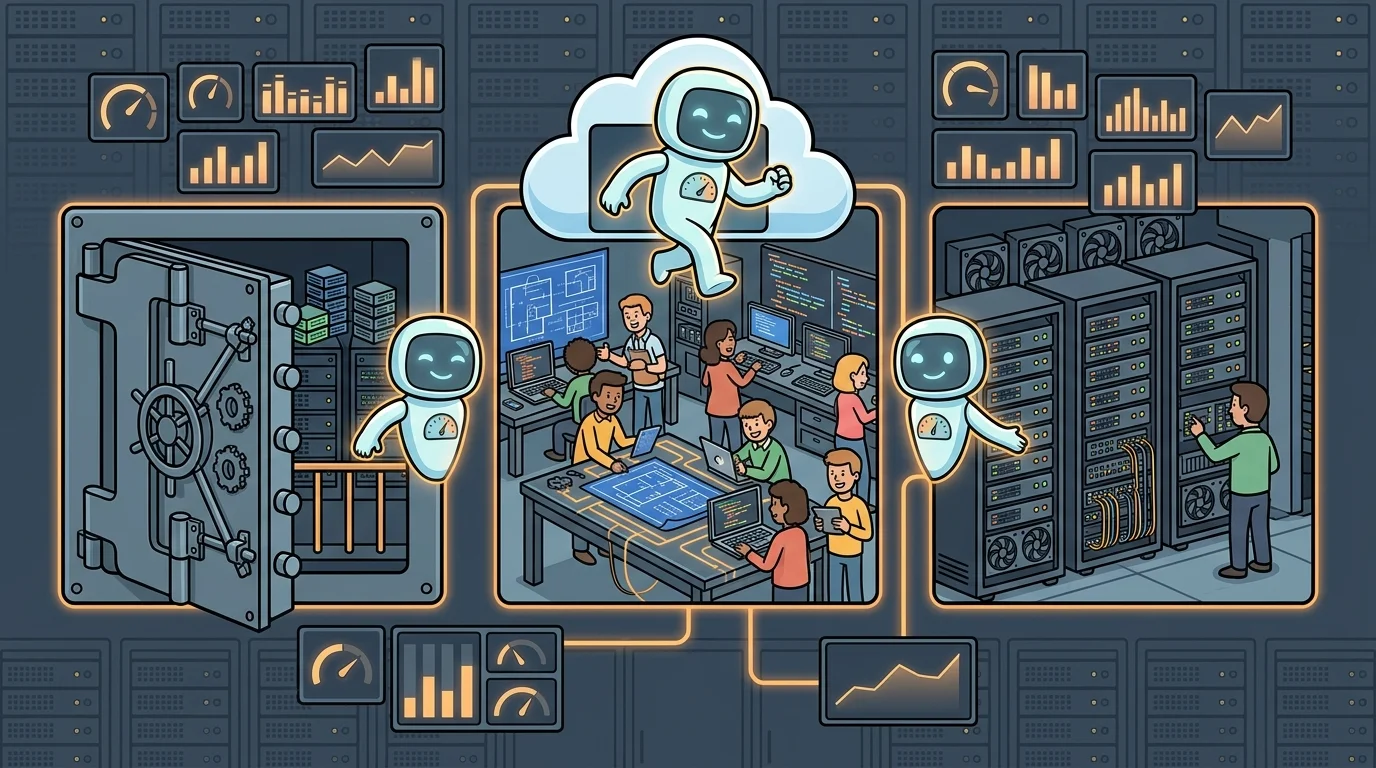
What Changed in Grafana Assistant
Grafana announced at GrafanaCON 2026 that Grafana Assistant, its purpose-built LLM agent previously confined to Grafana Cloud, now extends to self-managed deployments running Grafana Enterprise and Grafana OSS [1]. The expansion reflects a shift in how the company positions the tool, moving it from a cloud-only capability to what Grafana describes as an “anywhere agent” [1].
The announcement was made during the GrafanaCON 2026 keynote and covers new availability, customization options, and external agent integration capabilities [1].
Customization Options for Teams
Alongside the availability expansion, Grafana introduced configuration and personalization features designed to let teams tailor Assistant behavior to their specific workflows [1]. The source material indicates these customization options are part of the broader repositioning of Assistant as a flexible tool rather than a fixed cloud service, though specific configuration parameters were not detailed in the available source material.
The intent, as described by Grafana, is to ensure teams can adapt the agent to the particular ways they build and observe their systems, rather than conforming to a one-size-fits-all interface [1].
External Agent Integration and Protocol Support
The update also introduces the ability for third-party AI agents to connect to Grafana Assistant via standard protocols [1]. This interoperability layer allows external agents to interact with Grafana’s observability data and workflows through Grafana Assistant as an integration point.
Grafana describes the scenario as one where it is no longer only engineers interacting with dashboards and queries, but also agents helping to write code, run applications, investigate incidents, and rightsize deployments [1]. The external agent integration capability is positioned to support that multi-agent workflow pattern, though the specific protocol names and API specifications were not enumerated in the available source material.
Deployment and Access Requirements
Self-managed Grafana users who want to access Assistant must create a Grafana Cloud account and connect it to their existing Grafana installation through a one-click setup process [1]. Grafana states that Assistant is included in the Grafana Cloud forever free plan with what the company characterizes as generous limits, allowing users to begin without an immediate paid commitment [1].
The feature is available to both Grafana Enterprise and Grafana OSS users, meaning the expansion covers both the commercial self-managed tier and the open-source distribution [1].
Use Cases and Target Users
Grafana identifies several operational scenarios the expanded Assistant is designed to address. These include analyzing telemetry data and code in real time, building dashboards, and answering questions within the observability context [1]. The company also cites incident investigation and deployment rightsizing as representative use cases, pointing to site reliability engineers and platform engineering teams as the primary audience [1].
The framing in Grafana’s announcement connects the expansion to broader trends in AI-assisted software development, noting that faster development cycles have made immediate access to relevant information and workflows more critical for engineering teams [1].
FAQ
Q. Do self-managed Grafana OSS users need a paid Grafana Cloud subscription to use Assistant? According to Grafana, Assistant is included in the Grafana Cloud forever free plan, which means OSS users can connect their installation and access the agent without a paid tier, subject to the plan’s usage limits [1].
Q. What is the setup process for connecting a self-managed Grafana instance to Assistant? Grafana describes the connection process as a one-click setup that links the self-managed Grafana installation to a Grafana Cloud account [1]. No additional infrastructure changes are described in the available source material.
Q. Which specific protocols or APIs enable third-party agent integration? The announcement confirms that external agents can connect to Grafana Assistant via standard protocols, but the available source material does not specify which protocol names or API versions are supported [1].
Q. Is Grafana Assistant available in Grafana OSS or only in Grafana Enterprise for self-managed deployments? Grafana’s announcement covers both Grafana Enterprise and Grafana OSS, making the feature available across both self-managed tiers [1].
Q. What observability tasks can Assistant perform once connected to a self-managed instance? Grafana lists real-time telemetry and code analysis, dashboard building, incident investigation, and deployment rightsizing as supported use cases for the connected Assistant [1].
Key takeaways
- Grafana Assistant, previously limited to Grafana Cloud, now supports self-managed deployments on Grafana Enterprise and Grafana OSS following the GrafanaCON 2026 announcement [1].
- Self-managed users connect to Assistant by linking their installation to a Grafana Cloud account through a one-click setup; the forever free plan covers basic access [1].
- New customization options allow teams to tailor Assistant behavior to their specific operational workflows [1].
- Third-party AI agents can connect to Grafana Assistant via standard protocols, enabling multi-agent observability workflows [1].
- Target use cases include incident investigation, deployment rightsizing, real-time telemetry analysis, and dashboard creation [1].