The Context Window Problem in AI Coding Agents
Context window erosion is a persistent operational problem for teams running AI coding agents through long sessions with high tool-call volume. According to the Context Mode project, a single Playwright snapshot consumes 56 KB of context, twenty GitHub issues consume 59 KB, and one access log consumes 45 KB. After roughly 30 minutes of active work, approximately 40 percent of available context is gone [1].
The problem compounds when the agent triggers compaction to reclaim space. At that point, the agent loses track of which files it was editing, what tasks remain in progress, and what instructions were most recently issued. Simultaneously, the agent burns output tokens on filler text and verbose explanations, eroding context from both the input and output sides at once [1].
What Context Mode Is
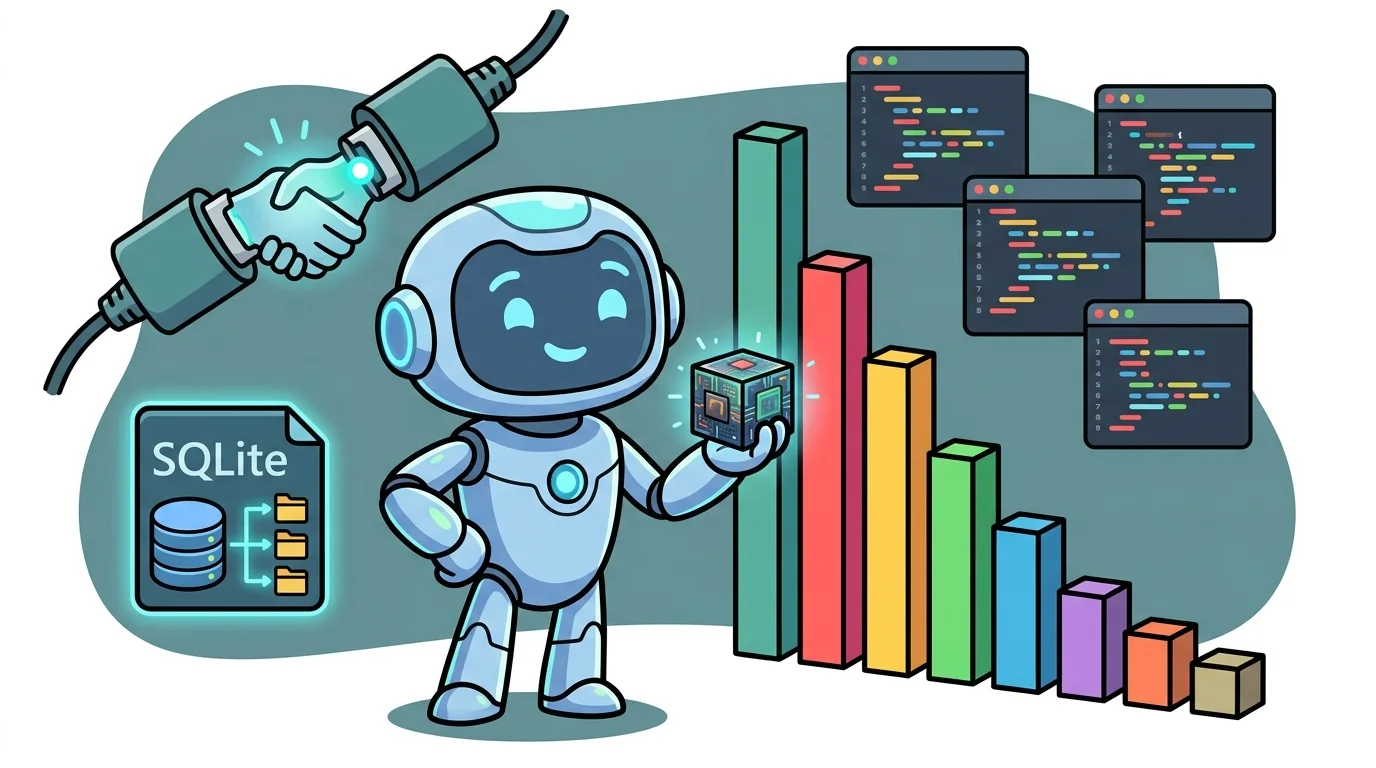
Context Mode is an open-source MCP server published on GitHub under the handle mksglu. It is designed to address four distinct sources of context loss in a single deployment: raw tool output flooding the context window, session state lost during compaction, inefficient retrieval of prior session data, and the tendency of language models to act as data processors rather than code generators [1].
The project targets agent engineers and development teams operating coding agents across multiple platforms, offering a drop-in MCP server layer rather than a modification to the underlying model or orchestration framework.
How the Four Core Mechanisms Work
The first mechanism, called Context Saving, uses sandbox tools to intercept raw tool output before it enters the context window. The project documents a representative compression result: 315 KB of raw data reduced to 5.4 KB, a 98 percent reduction [1].
The second mechanism, Session Continuity, tracks every file edit, git operation, task, error, and user decision in a SQLite database. When the agent compacts the conversation, Context Mode does not reload that session data back into context. Instead, it indexes events into SQLite’s FTS5 full-text search extension and retrieves only relevant entries using BM25-ranked search, allowing the model to resume precisely where it left off [1].
Session management includes an explicit continuity flag. If the operator does not pass a --continue argument, the previous session’s data is deleted immediately, giving the new session a clean slate. This behavior makes session boundaries explicit and operator-controlled rather than implicit [1].
The third mechanism is called Think in Code. The project enforces a paradigm in which the language model writes executable scripts to perform analysis rather than reading large numbers of files into context directly. The documented example contrasts 47 Read() calls consuming 700 KB against a single ctx_execute() call consuming 3.6 KB, with the latter running a JavaScript snippet that lists TypeScript files and their line counts by executing code rather than loading file contents [1]. The project describes this as a mandatory paradigm across supported platforms, framing the model as a code generator rather than a data processor.
The fourth mechanism governs output formatting. Context Mode enforces no prose-style constraints on the model’s final answers, leaving brevity, completeness, and formatting to the model or the operator’s own instructions [1].
Platform Support and Integration
Context Mode lists support for 15 platforms (the project documentation also references 16 in one passage, with 15 cited in the repository description) [1]. Deployment requires adding the MCP server to an existing agent workflow. Because it operates as an MCP server, integration follows the standard MCP tooling path without requiring changes to the underlying model, though the Think in Code paradigm is described as mandatory across all supported platforms rather than optional [1].
The session continuity feature requires SQLite to be available in the deployment environment, as all session state and FTS5 indexing depend on it.
FAQ
Q. Does Context Mode modify the language model’s final output format? No. The project explicitly states that it does not dictate how the model writes its final answer. Brevity, completeness, and formatting remain outside the scope of Context Mode’s enforcement [1].
Q. What happens to session data if the operator starts a new session without the --continue flag?
Previous session data is deleted immediately. The project describes this as intentional: a fresh session produces a clean slate, preventing stale state from prior sessions from affecting new work [1].
Q. Is the Think in Code paradigm optional or enforced? The project describes it as mandatory across all supported platforms. Agents are expected to write scripts that compute and log results rather than loading raw file contents into context [1].
Q. What infrastructure does Context Mode require beyond the MCP server itself? SQLite is required for session tracking and BM25-indexed FTS5 retrieval. No additional database infrastructure is documented as necessary [1].
Q. How is the 98 percent context reduction figure derived? The project documents a specific example in which 315 KB of raw tool output is reduced to 5.4 KB through sandbox tool interception, yielding the 98 percent figure. Individual results will vary based on tool call type and data volume [1].
Key Takeaways
- Context Mode is an MCP server that addresses four simultaneous sources of context window loss: raw tool output, compaction-driven state loss, inefficient session retrieval, and model behavior as a data processor.
- Sandbox tool compression is documented at 98 percent reduction, with a representative example of 315 KB reduced to 5.4 KB [1].
- Session state is persisted in SQLite with FTS5 full-text indexing and BM25 retrieval, enabling the agent to resume after compaction without reloading full session data into context [1].
- The Think in Code paradigm replaces multi-file read operations with single executable script calls, with one documented example replacing 47 Read() calls and 700 KB of context with a single 3.6 KB execution [1].
- Session boundaries are operator-controlled: omitting the
--continueflag deletes prior session data immediately, making state management explicit rather than implicit [1].